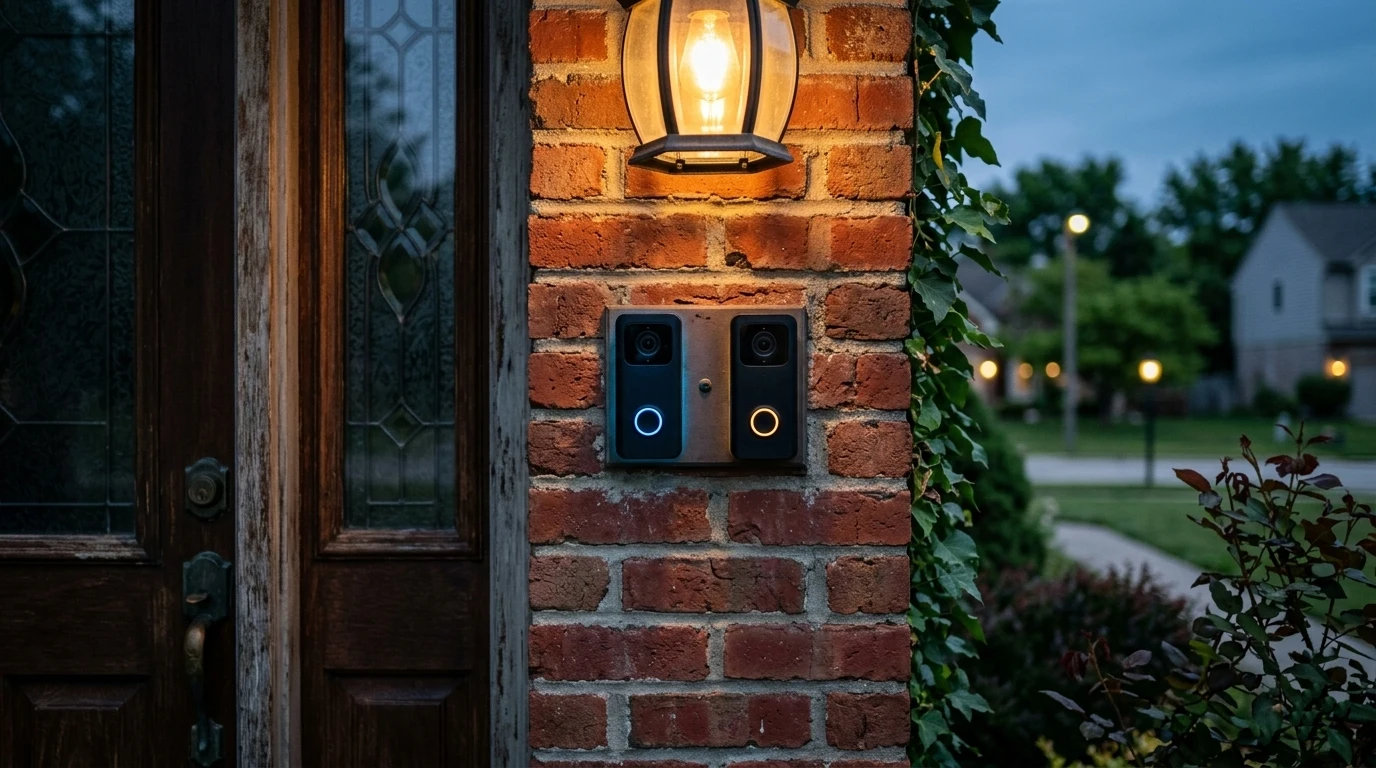
Comparison
Doorbells
Home Security
Ring vs Google Nest Doorbell — Which Security Camera Wins?
The hardware difference is smaller than either company would like. The real decision is which corporation you are handing continuous footage of your front door to, what each one does with it, and what each has already been made to answer for.
By Johnny T.
·
March 2026
·
12 min read
Some links on this page are affiliate links — we may earn a commission.
Researched — not tested
We own neither of these. Everything below is manufacturer specification, published reporting and regulatory filings — tagged so you can see which is which. The hardware comparison largely survives from the earlier version of this page; the privacy section did not, and has been rebuilt on the public record.
Nest if you want a doorbell that is useful without paying, Ring if you want the widest ecosystem and accessory range. Nest does its detection on the device, which means person, package, animal and vehicle alerts work with no subscription and false alerts drop sharply. Ring sends everything to the cloud and gates the useful filtering behind a plan.
The privacy comparison is not a matter of philosophy. One of these companies has a Federal Trade Commission settlement and a twenty-year compliance obligation attached to exactly this product category.
How to read this page
Prices, subscription tiers and free-tier limits change frequently in this category. Treat every figure here as needing a check at the point of purchase.
TestedPhysically in hand. Nothing on this page carries this tag.
DocumentedPublished specification, standard, regulatory filing or security research.
ManufacturerThe maker’s own claim. A claim, not a fact.
CommunityOwner reports and locksmith consensus. Informed opinion.
CorrectedSomething we previously published that the record doesn’t support.
The short version
Nest gives you a working camera for nothing a month. Ring gives you the bigger ecosystem and a regulatory record. Decide which of those you are actually buying.
On raw specification these two are close enough that nobody should choose between them on resolution. Both give you a head-to-toe field of view, both handle night footage competently, both mount in an afternoon.
One architectural difference is not close at all, and it drives nearly everything else on this page.
On-device versus cloud
The Nest doorbell runs its detection on a chip inside the camera. Person, package, animal and vehicle recognition happen locally, which is why they work without a subscription and why the free tier is genuinely usable. Manufacturer
Ring sends everything to the cloud to be processed. Without a plan you get raw motion alerts — every passing car, every branch — and no saved footage at all. Manufacturer
That single design choice explains the battery gap too: local processing costs power, so Nest generally needs charging more often than Ring does.
The practical consequence is about attention rather than megapixels. A camera that cries wolf trains you to ignore it. Weeks of buzzing every time a car passes and most people either pay up or stop looking, and either outcome is engineered. A doorbell you have stopped reading is not a security device.
Compare the free experience rather than the boxed specification, because a meaningful share of buyers never subscribe.
That is the comparison in one table. Ring without a plan cannot save anything, which means it cannot answer the only question you will ever actually ask a doorbell camera: who was at my door earlier?
What the plans actually cost — checked August 2026
All three raised prices in 2026, and any figure published before that is now wrong. Documented
Ring increased subscription fees by roughly 17–20% across all tiers effective 1 February 2026: the entry tier moved from $4.99 to $5.99 a month, the mid tier from $10 to $12, and the top tier from $20 to $24, with the annual plan going from $200 to about $240. Existing subscribers held the old rate until their next renewal. Note that reporting from April 2026 also describes a per-location "Standard" tier at $10 a month, so the tier naming appears to have shifted alongside the increase — check the current lineup rather than the names in any review, including this one. Tier names in flux
Nest Aware has been rebranded Google Home Premium. The standard tier runs about $10 a month or $100 a year for 30 days of event history, and the advanced tier about $20 a month or $200 a year for 60 days plus continuous recording on compatible wired cameras. Both were previously $8 and $15. Crucially, the plan covers every Nest camera on the account rather than charging per device, which makes it far better value in a multi-camera house than the per-camera model. Documented
The free Nest tier is a few hours, not zero: around three hours of event history on battery and floodlight models, six on wired indoor and outdoor cameras. Ring still retains nothing without a plan. Documented
Neither offers local storage on these models, so both are cloud-dependent by design. If local recording matters to you, the Wyze doorbell in our other comparison is the one with a memory card slot.
An earlier version of this page framed privacy as two competing philosophies and moved on. That was too generous to the public record. Corrected
In May 2023, Ring settled with the Federal Trade Commission for $5.8 million. Documented The Commission’s complaint alleged:
- Employees and third-party contractors had broad unrestricted access to customer video, able to view, download and transfer it.
- On at least two occasions employees improperly accessed the private videos of women, with one instance continuing for months undetected.
- Ring did not implement multi-factor authentication until 2019, despite warnings from its own employees, outside researchers and press coverage.
- Roughly 55,000 United States customers had accounts compromised by credential stuffing and brute force between January 2019 and March 2020, with attackers reaching live streams on around 910 accounts.
Ring denied violating the law. The settlement carries a twenty-year data security programme obligation, and the Commission distributed refunds to affected customers in 2024. Documented
Being fair to both sides
Ring has since implemented mandatory two-factor authentication, restricted internal access and published transparency reporting. The failures described above are historic and were addressed. A company that has been through an enforcement action and is operating under a twenty-year consent obligation is, in some respects, more constrained than one that has not.
Google is not a privacy charity either. Its business is built on data, and pointing a continuously recording camera at your own front door involves a trust decision whichever badge is on it. What is different is that on-device processing means less of the raw footage has to leave your house for the smart features to work — an architectural argument rather than a promise.
Judge it how you like. But a comparison of these two products that does not mention a federal settlement about employees watching customers is not a comparison, it is a brochure.
Neither of these is a doorbell purchase. Both are the first device in an ecosystem.
Ring pulls you toward Amazon. Alexa, Echo displays, Ring Alarm, floodlight cameras, and the broadest accessory range in the category by a distance. If you want one app covering a doorbell, an alarm panel, outdoor cameras and lighting, Ring is genuinely the most complete answer available.
Nest pulls you toward Google. Google Home, Nest cameras, thermostats, displays. A smaller accessory range, a tighter integration, and a company with a documented habit of retiring products — the discontinuation of the Nest Secure alarm system is the example most Nest owners cite, and it is a fair one to weigh when you are choosing a platform rather than a device.
The honest framing: you are choosing a ten-year relationship, and the exit cost is every accessory you bought in the meantime. That is worth more consideration than the resolution difference, and it is the part neither company puts on the box.
Which doorbell is better without a subscription?
Nest, and it is not close. Because detection runs on a chip inside the camera, person, package, animal and vehicle alerts work with no plan, and you get a few hours of event history. Ring without a subscription cannot save any footage at all, so it can only tell you something is happening now, never what happened earlier.
Did Ring get in trouble over privacy?
Yes. In May 2023 Ring settled with the Federal Trade Commission for $5.8 million over allegations that employees and contractors had unrestricted access to customer video, that employees improperly accessed private videos of women, and that the company failed to implement multi-factor authentication until 2019 while roughly 55,000 accounts were compromised. Ring denied violating the law and the settlement carries a twenty-year data security obligation.
Why does the Nest doorbell have worse battery life?
Because it does its detection work on the device rather than in the cloud. Running a machine learning chip locally costs power, which is the same trade that makes the free tier useful. Cloud processing is cheaper on batteries and more expensive on privacy and subscription.
Does either one record to local storage?
Not on these models — both are cloud-dependent by design. If local recording without a subscription is your requirement, the Wyze doorbell has a memory card slot, which we cover in the Ring versus Wyze comparison.
Which ecosystem should I commit to?
Ring if you want the widest accessory range and already use Alexa, since nothing else in the category matches it for breadth. Nest if you use Google Home and want the better free experience. Weigh product longevity too: Google has a documented record of retiring home products, and the exit cost of either platform is every accessory you bought for it.
The Comparison, Condensed
Detection processing
Nest on device; Ring in the cloud
Free smart detection
Nest yes — person, package, animal, vehicle. Ring motion only
Free saved footage
Nest a few hours of event history. Ring none
Local storage
Neither on these models
Battery life
Ring generally longer — local processing costs Nest power
Regulatory record
Ring settled with the Federal Trade Commission for $5.8 million in May 2023, with a twenty-year data security obligation Documented
Ecosystem breadth
Ring considerably wider — alarm, floodlights, outdoor cameras
Platform risk
Google has a documented record of retiring home products
Ring plan, Aug 2026
About $5.99/month entry tier after a 17–20% rise on 1 February 2026 Documented
Buy Nest if you do not intend to subscribe, if false alerts are what make you stop checking a camera, or if you would rather the detection happen inside the device than on somebody’s server. It is the better security product for a household paying nothing a month, and that describes a lot of households.
Buy Ring if you are already in Alexa, if you want one app covering a doorbell and an alarm and floodlights, and if the subscription is a cost you have accepted. The ecosystem is genuinely the most complete in the category and the hardware is good.
But go in knowing what the record says. Ring reached a federal settlement over employees and contractors accessing customer video and over a security posture that left tens of thousands of accounts open to credential stuffing. Those failures have been addressed and the company now operates under a twenty-year compliance obligation. That is not a reason never to buy one. It is a reason to enable two-factor authentication on day one, use a password you have never used anywhere else, and understand that a camera pointed at your door is a camera pointed at your door.
The short answer
Nest for a camera that works without paying. Ring for the ecosystem. And read the enforcement record before you decide the privacy question is a matter of taste.
Sources & Method
- Ring — Federal Trade Commission enforcement — Documented In May 2023 Ring agreed to a $5.8 million settlement with the Federal Trade Commission. The complaint alleged that employees and third-party contractors had broad unrestricted access to customer video; that on at least two occasions employees improperly accessed the private videos of women, one instance continuing for months undetected; that Ring did not implement multi-factor authentication until 2019; and that approximately 55,000 United States customers had accounts compromised through credential stuffing and brute force between January 2019 and March 2020, with attackers reaching live streams on around 910 accounts. Ring denied violating the law. The settlement carries a twenty-year data security programme obligation, and the Commission distributed refunds in 2024. Federal Trade Commission — press release
- On-device versus cloud detection — Manufacturer The Nest doorbell performs person, package, animal and vehicle recognition on a chip inside the camera, which is why those features function without a subscription and why battery life is shorter. Ring processes detection in the cloud and gates smart filtering and saved footage behind a subscription tier.
- Privacy framing corrected — Corrected An earlier version of this page presented the privacy comparison as two competing philosophies without reference to the Federal Trade Commission action against Ring. That action is a matter of public record and now appears in the comparison.
- Pricing volatility — Verify Subscription tiers, free-tier allowances and hardware prices in this category change frequently. Figures on this page should be checked against current listings before purchase.
We own neither of these and nothing here is hands-on. If you have run both — particularly on real false-alert rates and battery intervals — tell us and you will be credited.