Researched — not tested
We own neither of these. Everything below is manufacturer specification, published reporting and regulatory filings — tagged so you can see which is which. The subscription analysis survives from the earlier version of this page; the trust section is new, because neither company came out of the research looking the way the original draft assumed.
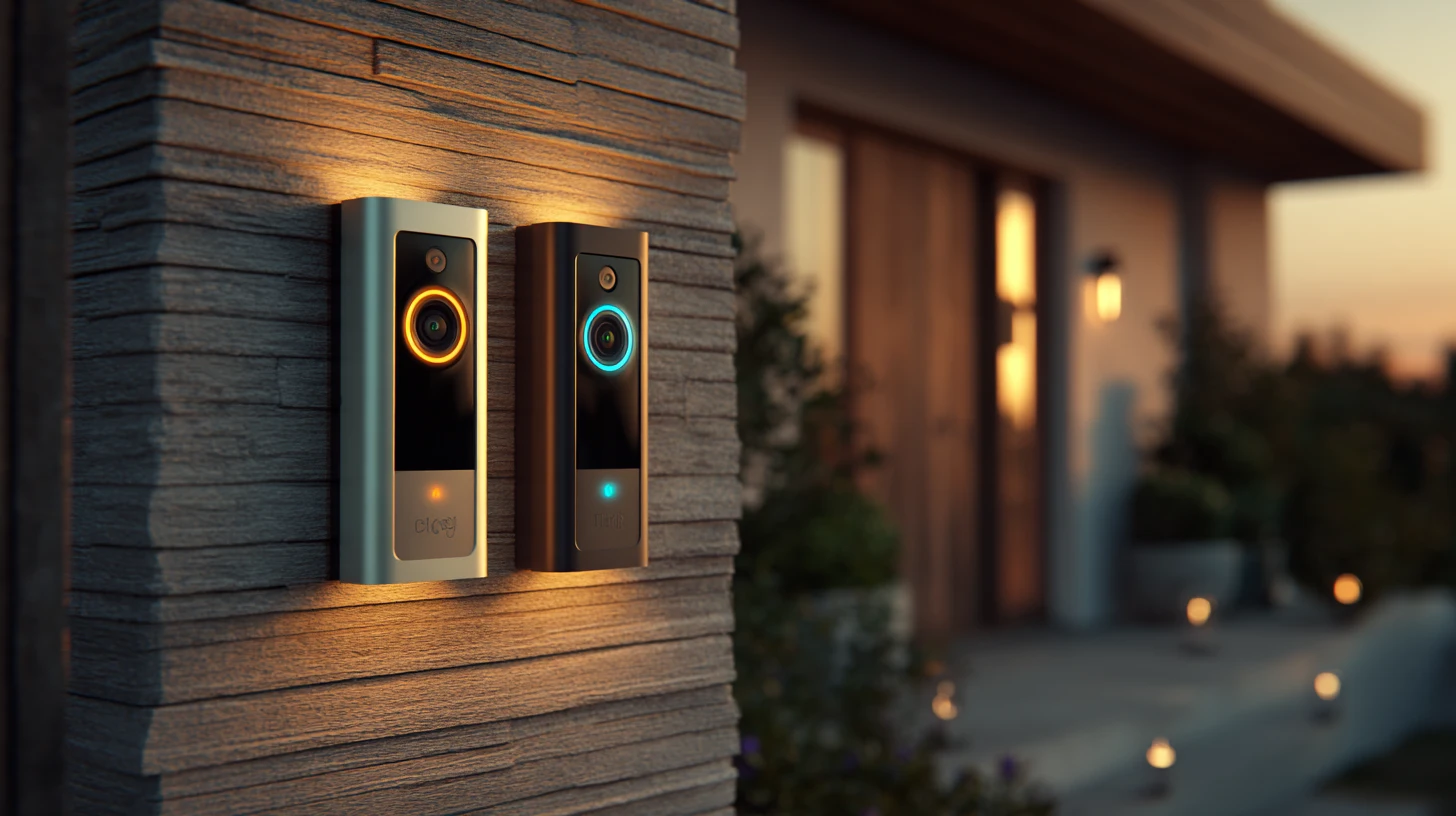
Wyze if you refuse to rent access to your own footage. Ring if you want the polish and the ecosystem and have accepted the monthly cost. The Wyze doorbell records locally to a memory card with no subscription; the Ring saves nothing at all without one, which makes an unsubscribed Ring a live-view intercom rather than a security camera.
The part neither company advertises: both have documented failures. Ring settled with the Federal Trade Commission. Wyze took three years to finish patching disclosed vulnerabilities and then exposed camera feeds across accounts.
How to read this page
Both of these are cheap cameras from companies with public failure records. This page treats those records as specifications, because on a cloud-connected camera they are.
TestedPhysically in hand. Nothing on this page carries this tag.
DocumentedPublished specification, standard, regulatory filing or security research.
ManufacturerThe maker’s own claim. A claim, not a fact.
CommunityOwner reports and locksmith consensus. Informed opinion.
CorrectedSomething we previously published that the record doesn’t support.
This is the difference that should decide it for most people.
Ring without a subscription cannot save video. Live view when someone rings, motion notifications, and nothing retained. You cannot go back and look at what happened an hour ago, which is the single thing people buy a doorbell camera to do. Manufacturer
Wyze without a subscription still records. The doorbell takes a memory card and writes footage locally, reviewable in the app without paying anything. Manufacturer A cloud plan is offered for off-site storage and smarter detection, but the core function works out of the box.
The two-year cost
A doorbell is not a one-off purchase if the recording is rented. Over a couple of years the subscription typically costs more than the Wyze hardware and card combined, and it never stops. That is the actual gap, and it is considerably wider than the sticker prices suggest.
Price it over the life of the device rather than at the checkout, and check current tiers before you commit — both companies revise them regularly. Verify
What the plans actually cost — checked August 2026
Both companies raised prices in 2026. Every figure in the previous version of this page predates those increases. Documented
Ring put subscription fees up by roughly 17–20% across all tiers on 1 February 2026 — the entry tier from $4.99 to $5.99 a month, the mid tier from $10 to $12, and the annual plan from $200 to about $240. Reporting from April 2026 also describes a per-location "Standard" tier at $10 a month, so the tier names appear to have moved as well as the prices. Tier names in flux
Wyze raised Cam Plus from $1.99 to $2.99 per camera per month in March 2026 and restructured the range, replacing the old Cam Plus Pro with Cam Unlimited at about $9.99 a month and Cam Unlimited Pro at about $19.99. Any comparison quoting $1.99 — and there are many, including our own earlier draft — is pre-2026. Documented
Which narrows the gap that used to make this comparison easy. At $5.99 against $2.99, Ring’s entry plan is now within a few dollars of Wyze’s per-camera tier. The subscription argument for Wyze is no longer mainly about the monthly figure — it is that you can decline the plan entirely and still keep your footage on a card.
There is a second-order effect worth naming. Local recording means the footage exists whether or not the company does. A card in your hallway survives a service being retired, repriced or sold. Cloud-only footage does not.
The earlier version of this page treated privacy as a Ring problem and left Wyze as the plucky underdog. That is not what the record shows. Corrected
Ring
In May 2023 Ring settled with the Federal Trade Commission for $5.8 million. Documented The complaint alleged that employees and third-party contractors had broad unrestricted access to customer video; that employees improperly accessed the private videos of women on at least two occasions, one continuing for months undetected; that multi-factor authentication was not implemented until 2019; and that around 55,000 United States customers had accounts compromised by credential stuffing between January 2019 and March 2020. Ring denied violating the law. The settlement carries a twenty-year data security obligation.
Wyze
Bitdefender privately disclosed three vulnerabilities in Wyze cameras in March 2019 — an authentication bypass, remote code execution, and access to footage on the memory card. Full patching was not completed until January 2022, and customers were not told during that window. Documented One camera model could never be fixed; support ended in February 2022 with advice to stop using it.
Then in February 2024, roughly 13,000 users were shown camera feeds belonging to other people during recovery from an outage — caused by a third-party caching library mismapping device identifiers to user accounts, following a similar incident months earlier. Documented
How to weigh these against each other
They are different kinds of failure. Ring’s was governance — too many people with access and too little authentication — and it has been through an enforcement process with binding obligations attached. Wyze’s was disclosure and architecture — a three-year silence, and then a bug that handed strangers each other’s living rooms — with no regulator involved.
A company operating under a twenty-year consent obligation is externally constrained in a way a company that has never been examined is not. That is a genuine and slightly uncomfortable point in Ring’s favour.
The practical upshot is the same for both: enable two-factor authentication immediately, use a password that exists nowhere else, and understand that a camera on your porch is a camera someone else’s systems can reach.
Wyze wins on resolution for the money and offers colour night footage where there is any ambient light, falling back to infrared when there is not. That is a real advantage when you are trying to read a face or a delivery label rather than confirm that something moved. Manufacturer
Ring wins on polish. The app is more reliable, setup is close to foolproof, and the integration with Alexa displays is the smoothest in the category. Owner consensus is consistent that the Wyze app is functional and occasionally laggy where Ring is simply solid. Community
False alerts are the daily experience, and both gate the good filtering behind a plan. Unsubscribed Ring gives raw motion — every car, every branch. Wyze gives basic motion zones free and the smarter detection with its plan. Neither free tier is as good at filtering as the Nest doorbell, which does its detection on the device.
One more practical note: check power requirements against your door before ordering. The wiring and battery options differ across models in both ranges, and the model numbers are close together. Verify
The Comparison, Condensed
Recording without a subscription
Wyze yes, to a memory card. Ring none at all
Local storage
Wyze memory card slot. Ring cloud only
Resolution for the money
Wyze, clearly
Night footage
Wyze offers colour with ambient light; Ring infrared
App reliability
Ring — more polished and more consistent Community
Free alert filtering
Neither is good. Nest is the one that solves this
Ring regulatory record
$5.8 million Federal Trade Commission settlement, May 2023, twenty-year obligation Documented
Wyze security record
Three-year disclosure gap; unfixable camera retired 2022; cross-account feed exposure affecting roughly 13,000 users in 2024 Documented
Footage survives the vendor
Wyze, because the card is in your house
Wyze plan, Aug 2026
About $2.99 per camera per month after a rise from $1.99 in March 2026 Documented
Do this on either
Two-factor authentication and a unique password, on day one
Buy Wyze if the subscription is the thing that annoys you, and it should be. Local recording to a card means the footage is yours, it exists without a monthly payment, and it survives the company changing its mind about pricing or retiring the service. The resolution is better for the money and the night footage is better in most porches.
Buy Ring if you want the app that just works, the deepest Alexa integration and the widest range of accessories to add later, and if you have honestly accepted that the recording is rented rather than owned.
And buy either with your eyes open. Ring reached a federal settlement over employees watching customers and a security posture that left tens of thousands of accounts exposed. Wyze went three years without telling anyone about disclosed vulnerabilities, retired a camera it could not fix, and then showed thousands of people inside other households. Neither of those records disqualifies the product. Both of them should change how you configure it.
Two-factor authentication, a password used nowhere else, and a realistic sense of what a camera pointed at your porch can see. That advice costs nothing and outranks every specification on this page.
The short answer
Wyze owns you less. Ring works better. Both have a record, and the record is part of the product.